
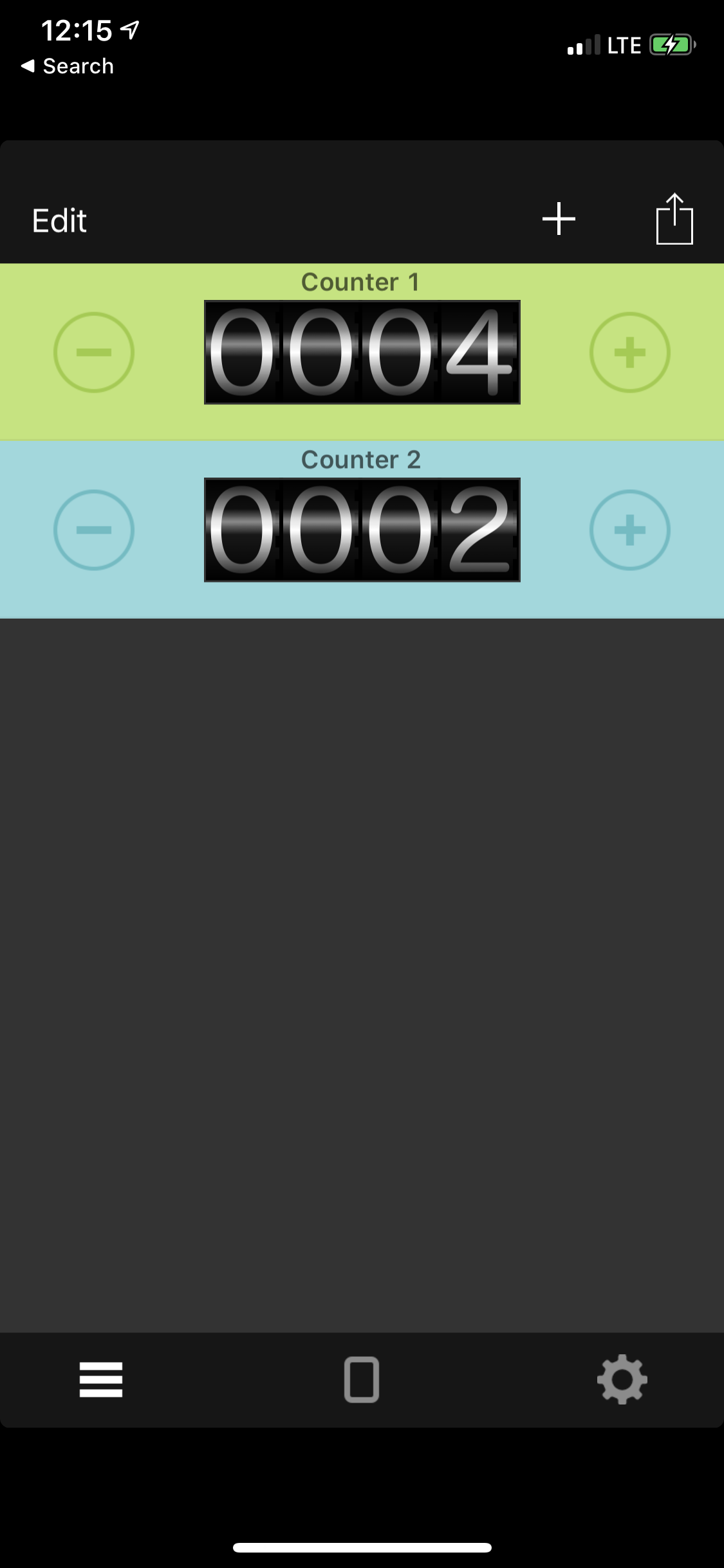
You can change the order of the counters by dragging them is Edit mode.
- Select the list tab item.
- Press the edit button.
- Drag the counter to the desired location using the move icon on the right side of the counter.
- Press the Done button to save your changes.

Comments
0 comments
Please sign in to leave a comment.